Build your squad
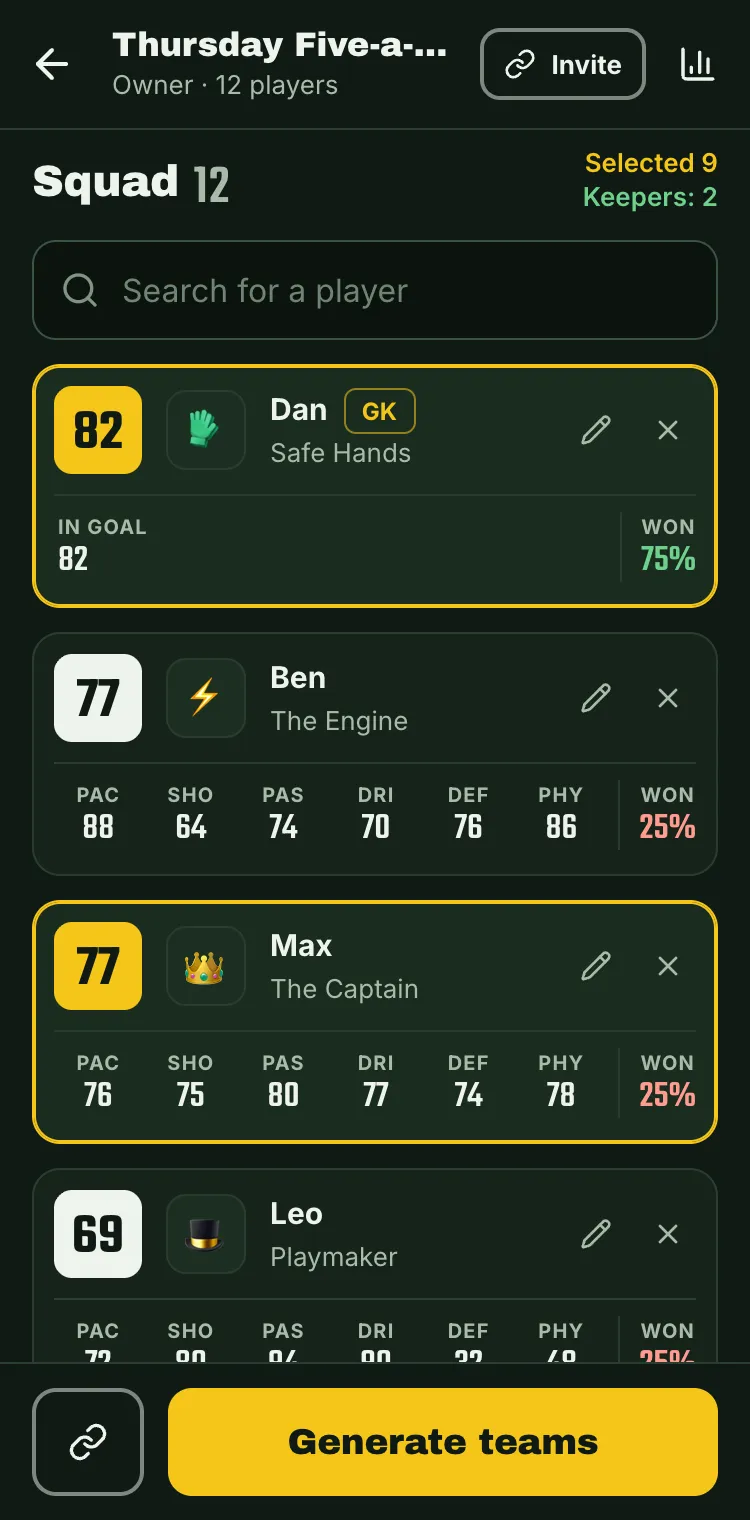
Paste the names from the chat and give each one a rating from 1 to 100. If you like, fine-tune pace, shooting, defending and the other stats later.
Five-a-side team generator
Pick who's in, tap a button: two even teams and the lineup to send to the group chat.
Free. No sign-up needed to try it.
Paste the names from the chat and give each one a rating from 1 to 100. If you like, fine-tune pace, shooting, defending and the other stats later.
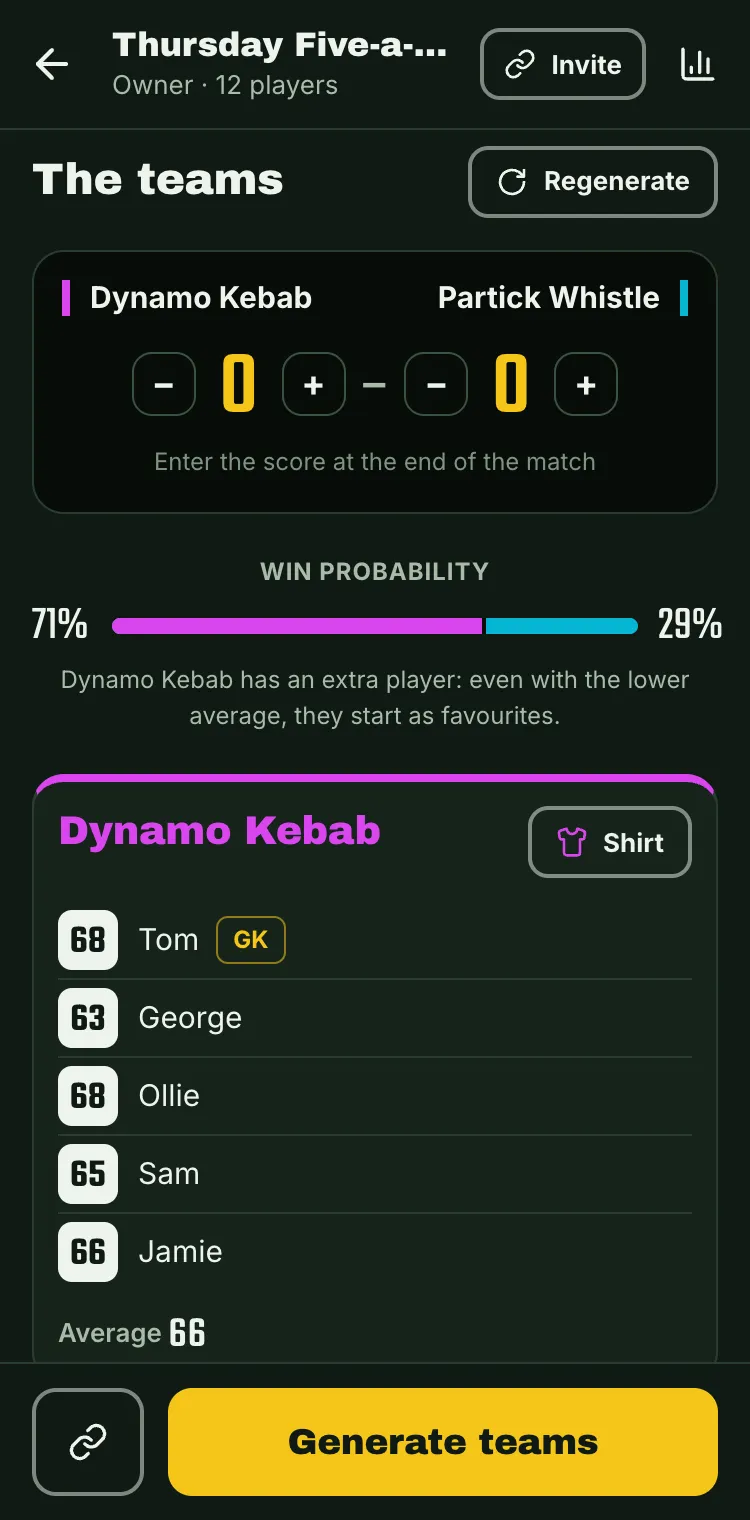
Tap who's in tonight and hit Generate. Two friends must play together, or the two best against each other? One rule does it.
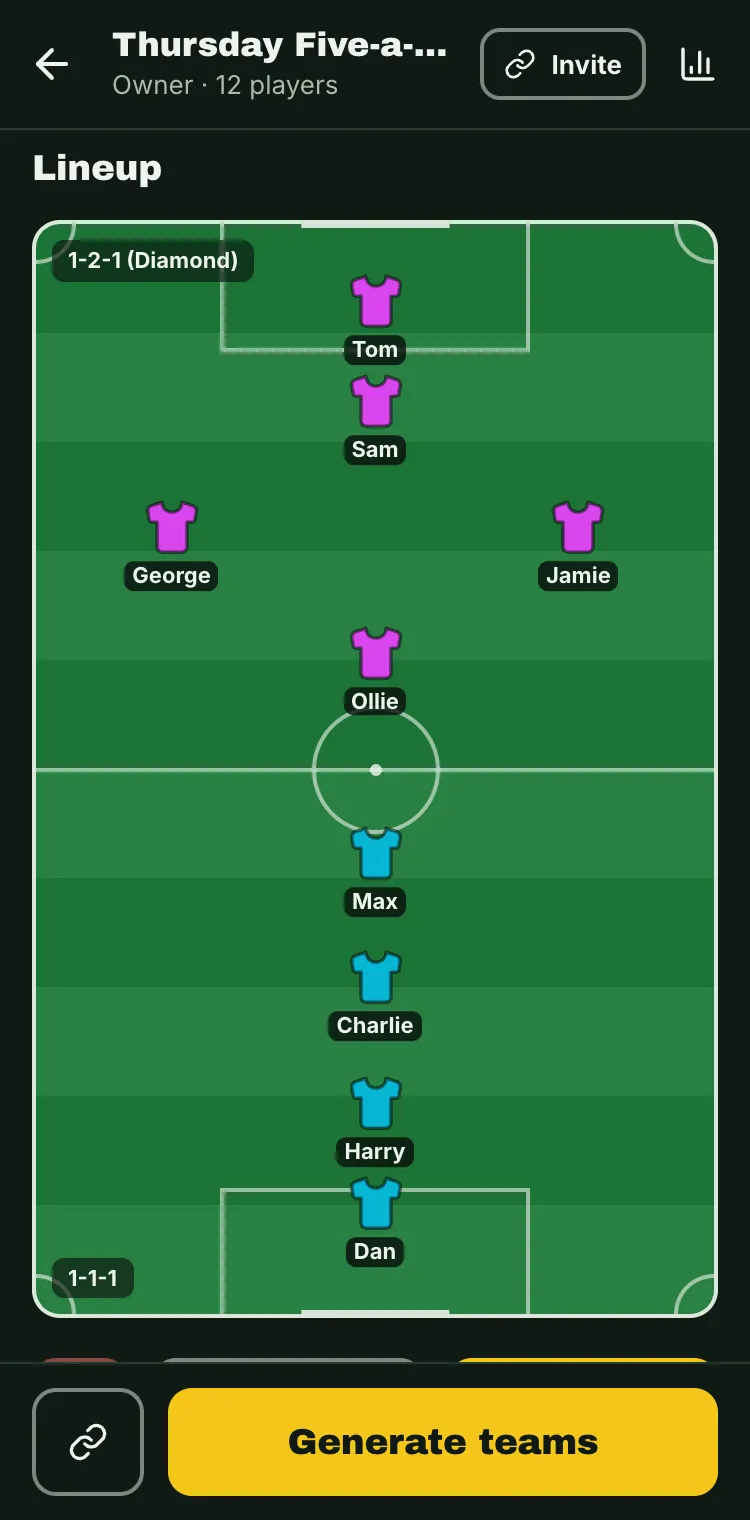
The lineup on the pitch, ready for WhatsApp. After the match, enter the score and vote for the player of the match.
Every player has six stats. The app tries every split and picks the one with the win probability closest to 50%, goalkeepers included, then balances who defends, who runs and who shoots.
After the match the group votes for whoever played best compared to their usual level. It's not necessarily the best player who wins: even the weakest can.
Everyone's win percentage, scorers, pairs who always win together and winning streaks. Your five-a-side in numbers, at last.
Send a link and your friends see the squad and matches on their phones. You decide who can edit.
The two brothers always together, the two best players always against each other: you decide before generating, and the app takes it into account.
A message ready for WhatsApp with the time and pitch, or an image of the pitch with the positions and shirt colours.
Yes. You create squads, players and matches and generate as many teams as you like without paying anything.
Not to try it: with "Try it now" you use a sample squad saved on your device. A free account lets you keep the squad and share it with the group.
Every player has six stats: pace, shooting, passing, dribbling, defending and physical. The algorithm tries every possible split (up to 18 outfield players) and picks the ones with the win probability closest to 50%, counting goalkeepers and any extra player too, with balanced positions. It follows the "together" and "against" rules and, when you regenerate, it suggests different teams every time.
Yes: it works with any number of players, odd numbers included, and lays the teams out on the pitch in a suitable formation.
In the 7 days after the match, every squad member votes for whoever played best compared to their usual level: it's not necessarily the strongest player who wins, even the weakest can. In the stats you'll find the rankings of players of the match and scorers.
Yes: it works in your phone's browser and can be installed as an app on the Home Screen, on Android and iPhone.
Only you and the people you invite to the squad. The invite link can be changed at any time, and anyone with the old link can no longer join.
Make the teams before you get to the pitch.
Generated less than 24 hours ago.
Start from a player type
How well they save: for a goalkeeper, that's all that counts.
Enter the score at the end of the match
Win probability